
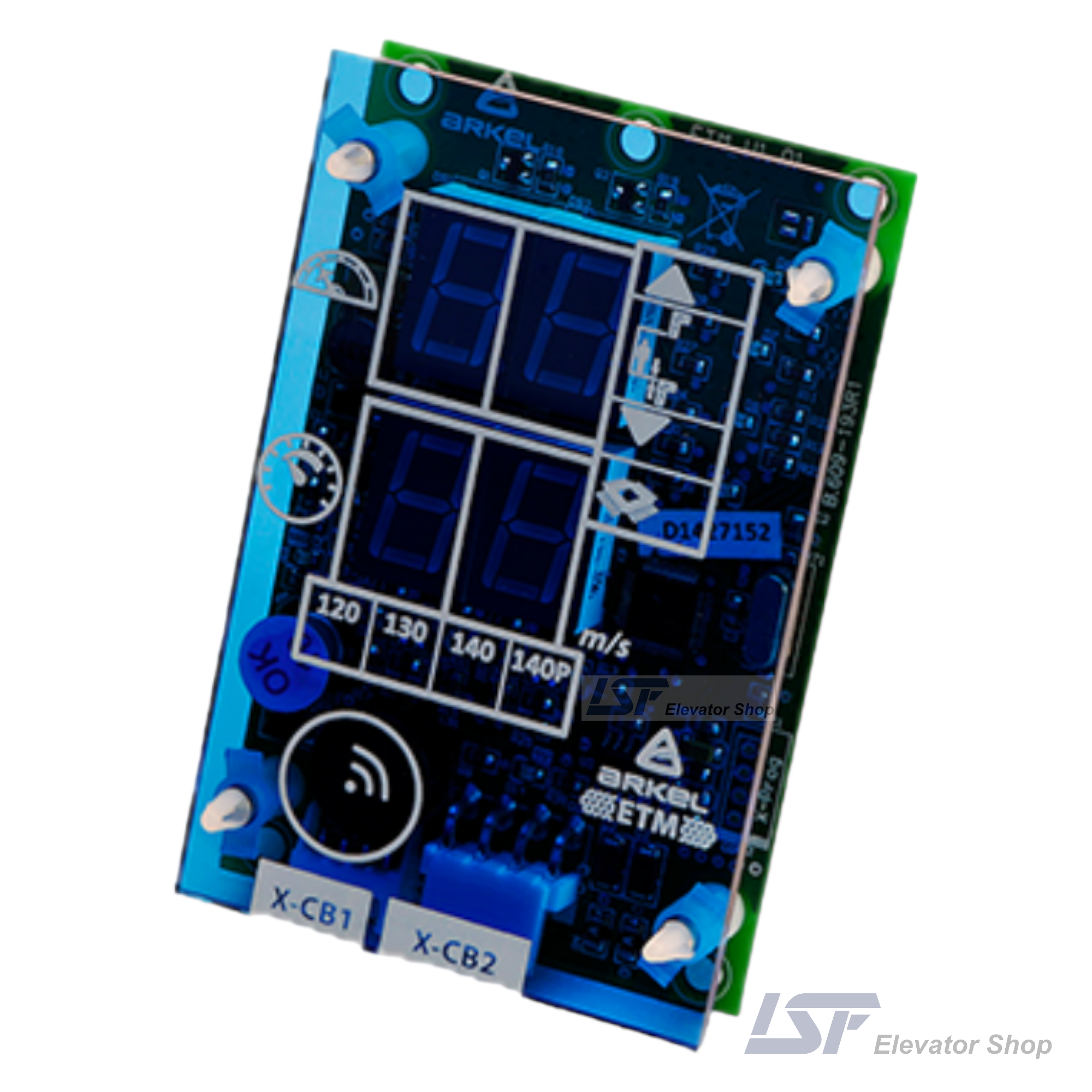






Related Products
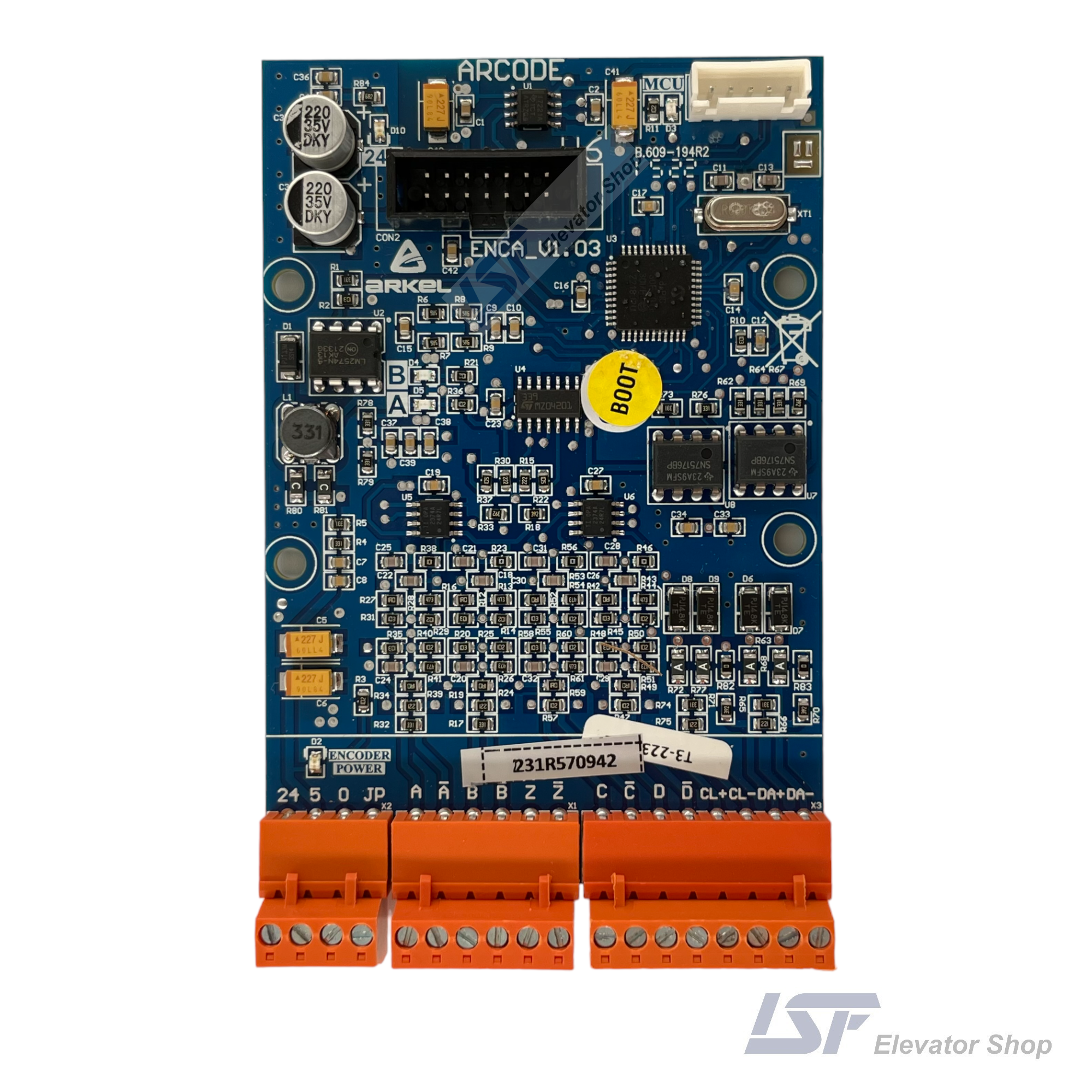
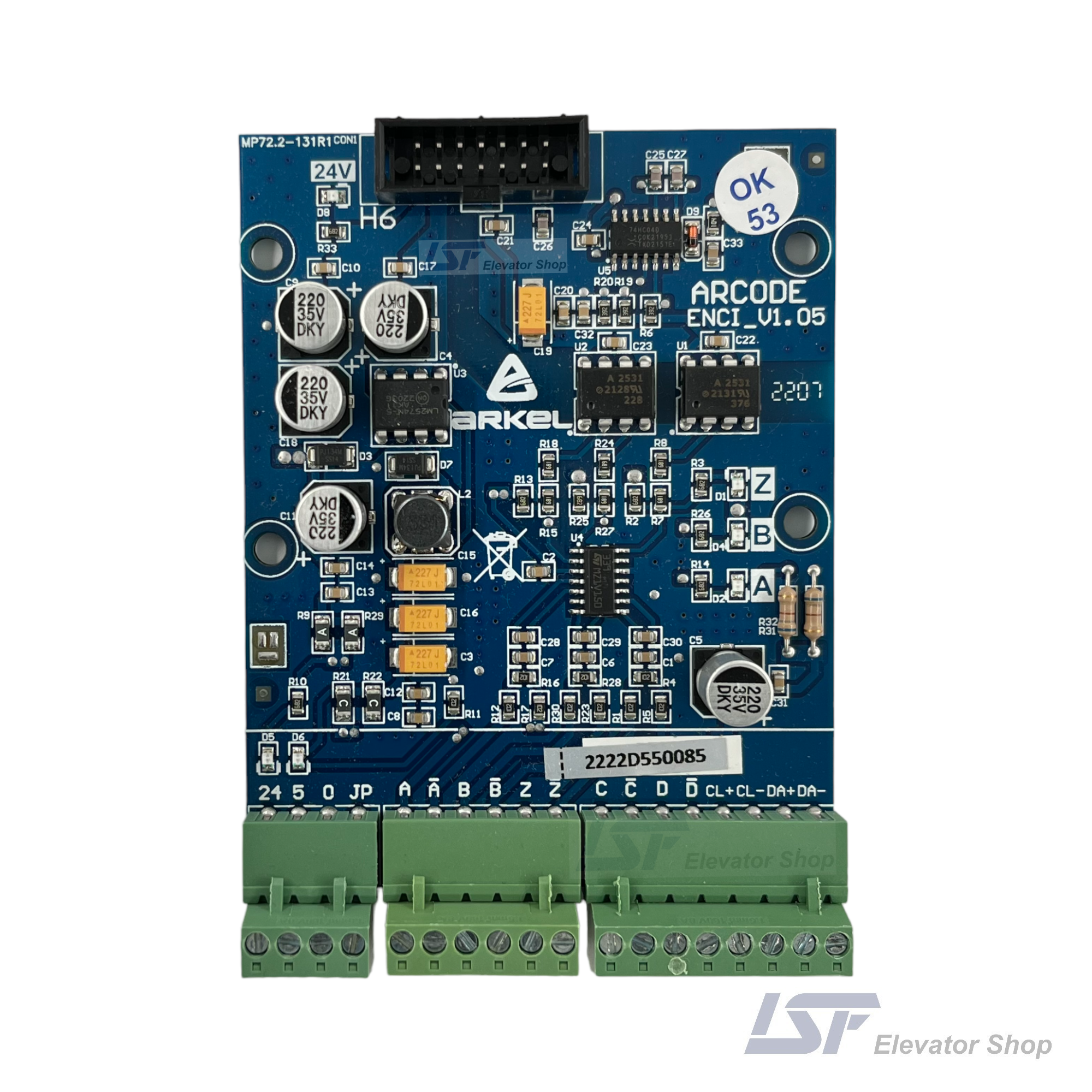
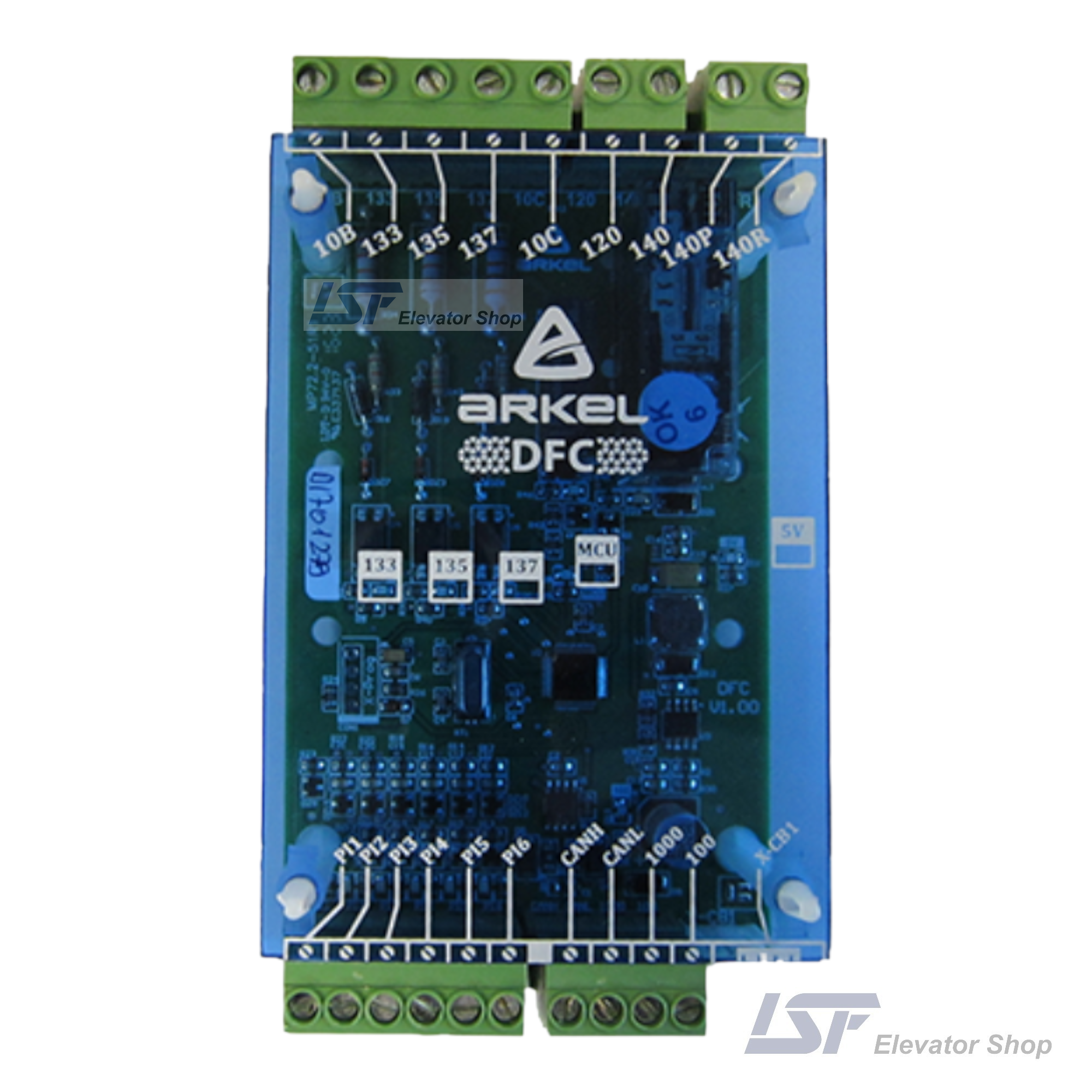
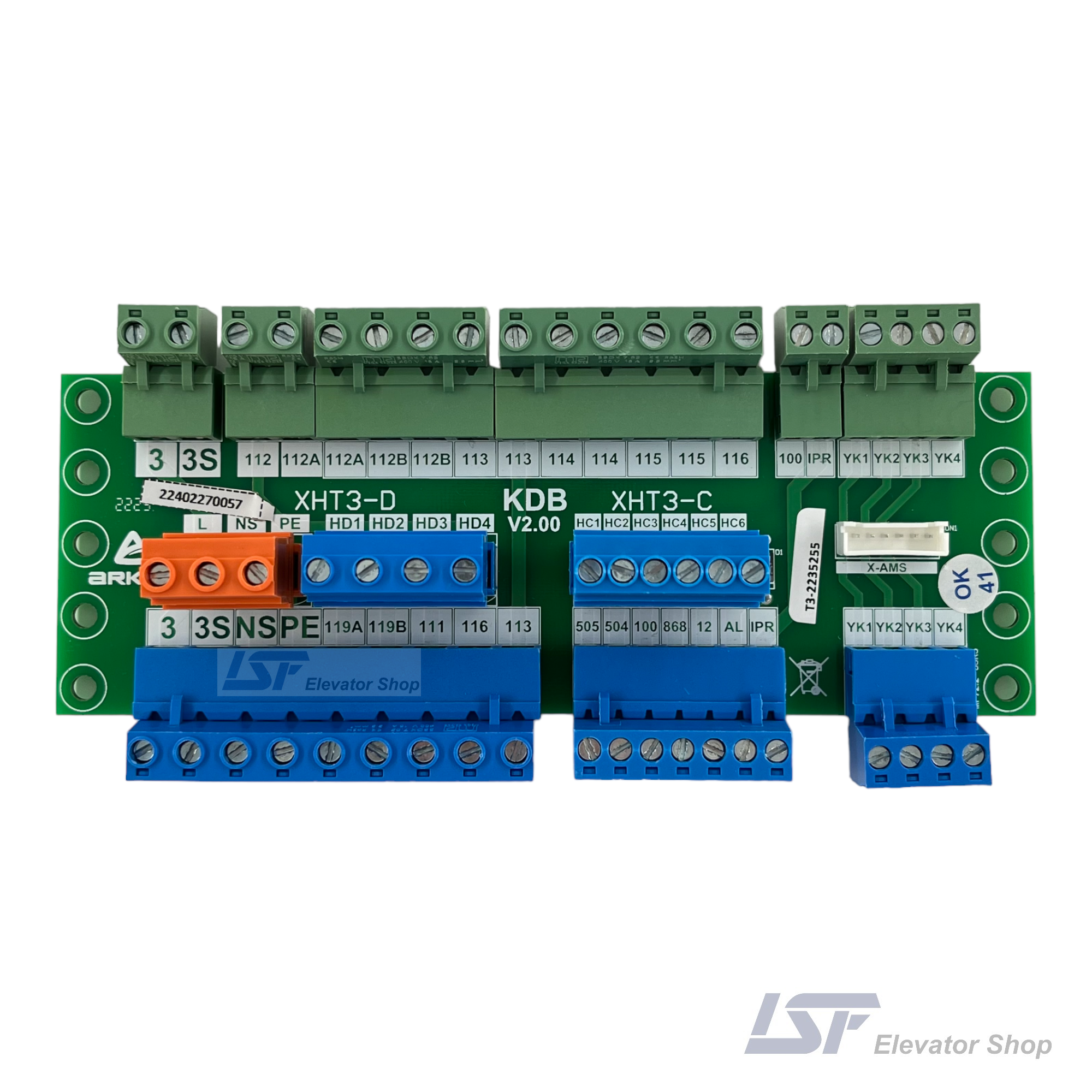
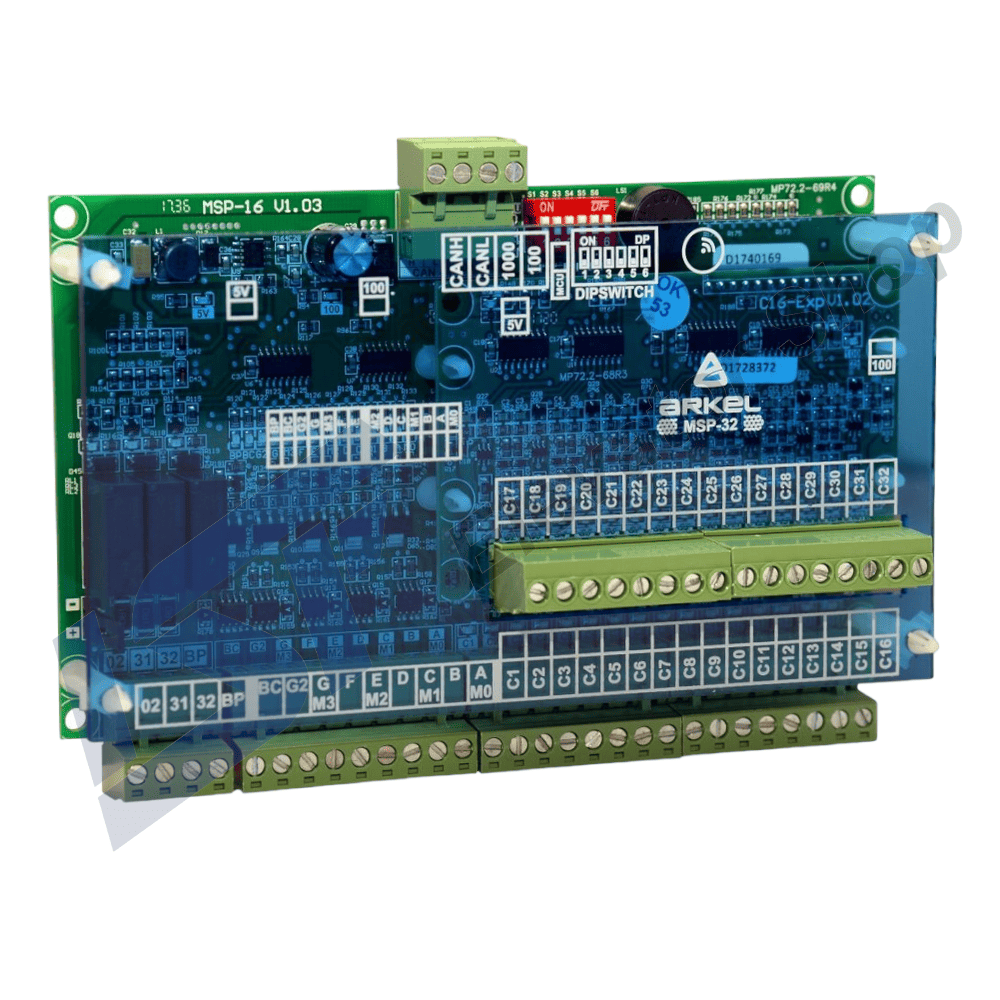
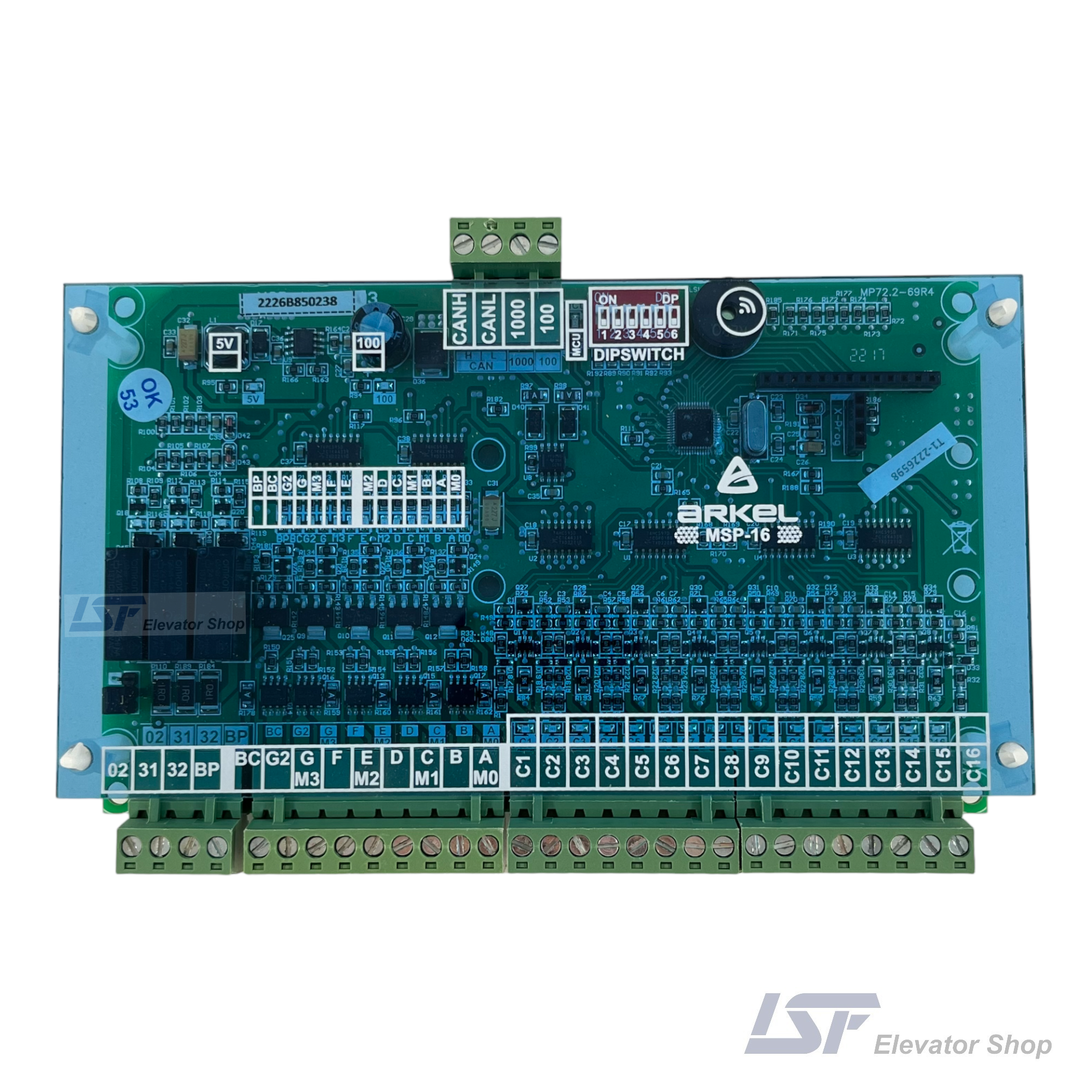

Available on backorder
Upgrade your landing fixtures with the Arkel ETM Door Frame Display. A compact CANbus module for ARCODE systems, displaying floor, direction, and status information directly on the door frame panel.
Guaranteed Safe Checkout
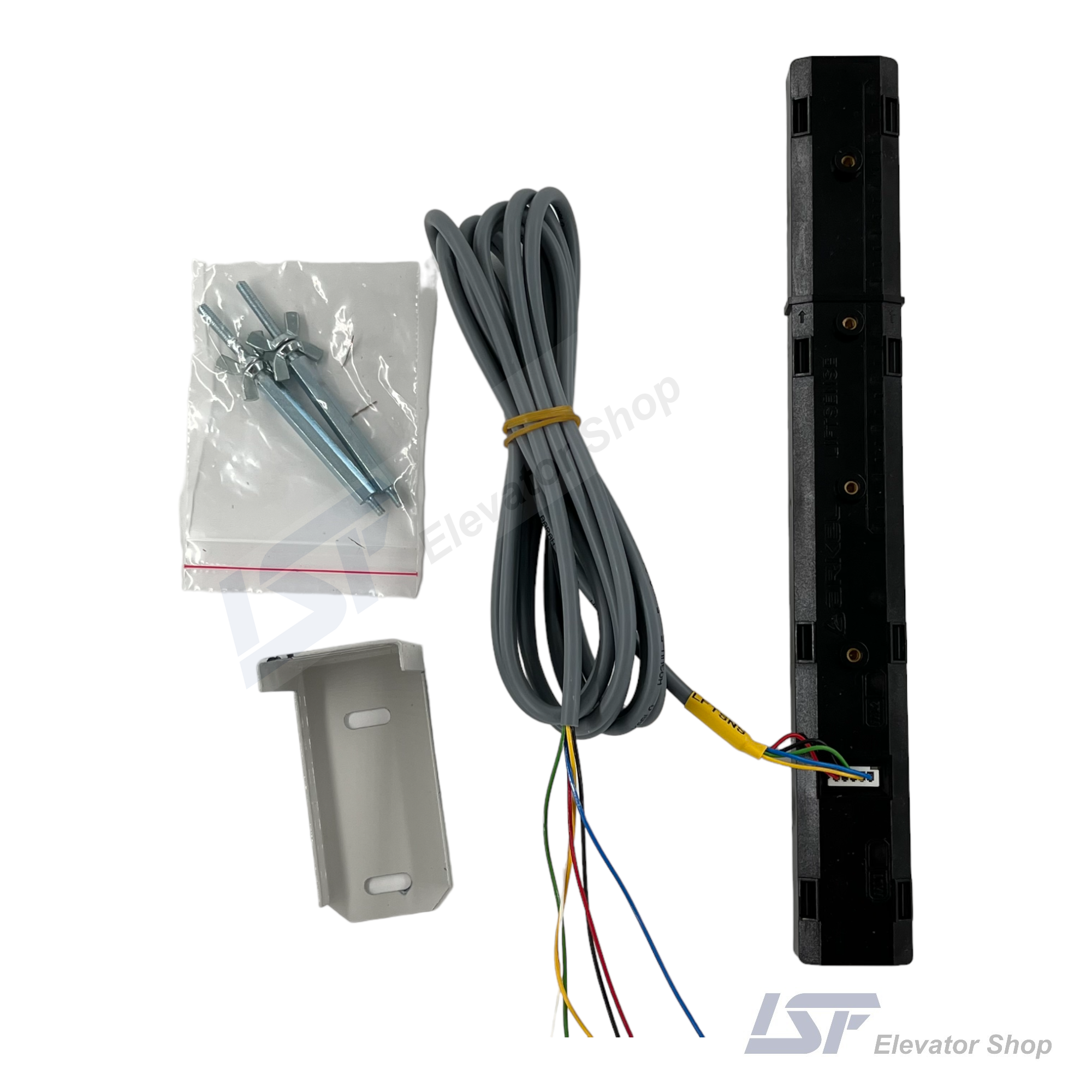
The Arkel ETM is a compact, high-performance information display board designed specifically for integration into elevator landing door frames or narrow operating panels. Functioning as a peripheral unit of the ARCODE Integrated Lift Control System, it provides passengers and technicians with real-time visual data, including current floor number, travel direction, and system status, via a robust CANbus connection.
| Specification | Detail |
|---|---|
| Product Name | ETM (Door Frame Information Display) |
| Product Code | 1002286 |
| Compatibility | Arkel ARCODE Control Units |
| Communication | CANbus Serial Protocol |
| Supply Voltage | 12-24V DC (via CANbus line) |
| Display Type | 7-Segment LED / Status LEDs |
| Dimensions | 150 x 100 x 40 mm |
| Weight | 0.1 kg |
| Mounting | 4-Point Screw Fixing |
| Approximate Price (EUR) | – |
The Arkel ETM (1002286) is an essential component for modern lift installations where aesthetics and space-saving are priorities. Unlike bulky landing operating panels (LOPs), the ETM is engineered to be mounted directly behind the door frame (jamb) faceplate, providing a sleek and integrated look for residential and commercial elevators.
Intelligent Communication: Operating on the CANbus network, the ETM receives data directly from the ARCODE main processor. This ensures that the floor position and direction arrows are perfectly synchronized with the car’s actual movement, eliminating the latency often found in traditional parallel wiring systems.
Diagnostic Capability for Technicians: Beyond passenger information, the ETM serves as a diagnostic tool. The board typically includes status LEDs corresponding to the safety chain (Stop, Door Lock, Gate Lock), allowing maintenance personnel to quickly verify the safety loop status at a glance without accessing the machine room or the car top.
Installation & Configuration: The unit is designed for rapid “daisy-chain” installation. The CANbus cable connects from the main controller to the first ETM, and then loops to subsequent ETMs on other floors using the X-CB1 and X-CB2 connectors. Configuration, such as floor offset and display settings, is managed centrally via the AREM hand terminal connected to the ARCODE.
No. The ETM is specifically designed to communicate via the proprietary CANbus protocol used by the Arkel ARCODE integrated control unit. It is not compatible with generic parallel wiring controllers.
The device receives its power (12-24V DC) directly through the CANbus cable connection from the main controller or the shaft distribution bundle, requiring no separate power supply unit at each floor.
As with all high-speed CANbus networks, the device at the physical end of the line (the last ETM) must be terminated. A 120 Ohm termination resistor should be installed across the CAN-H and CAN-L terminals of the last ETM to prevent signal reflection and communication errors.
While the system tracks speed, the ETM primarily displays Floor Position and Direction. The specific LED indicators mentioned (120, 130, 140) refer to the safety chain status (Emergency Stop, Landing Door Lock, Car Door Lock), which is critical for maintenance rather than a passenger-facing speedometer.
| Weight | 0,1 kg |
|---|---|
| Dimensions | 15 × 10 × 4 cm |
| Brand |
Arkel |


Reviews
There are no reviews yet.