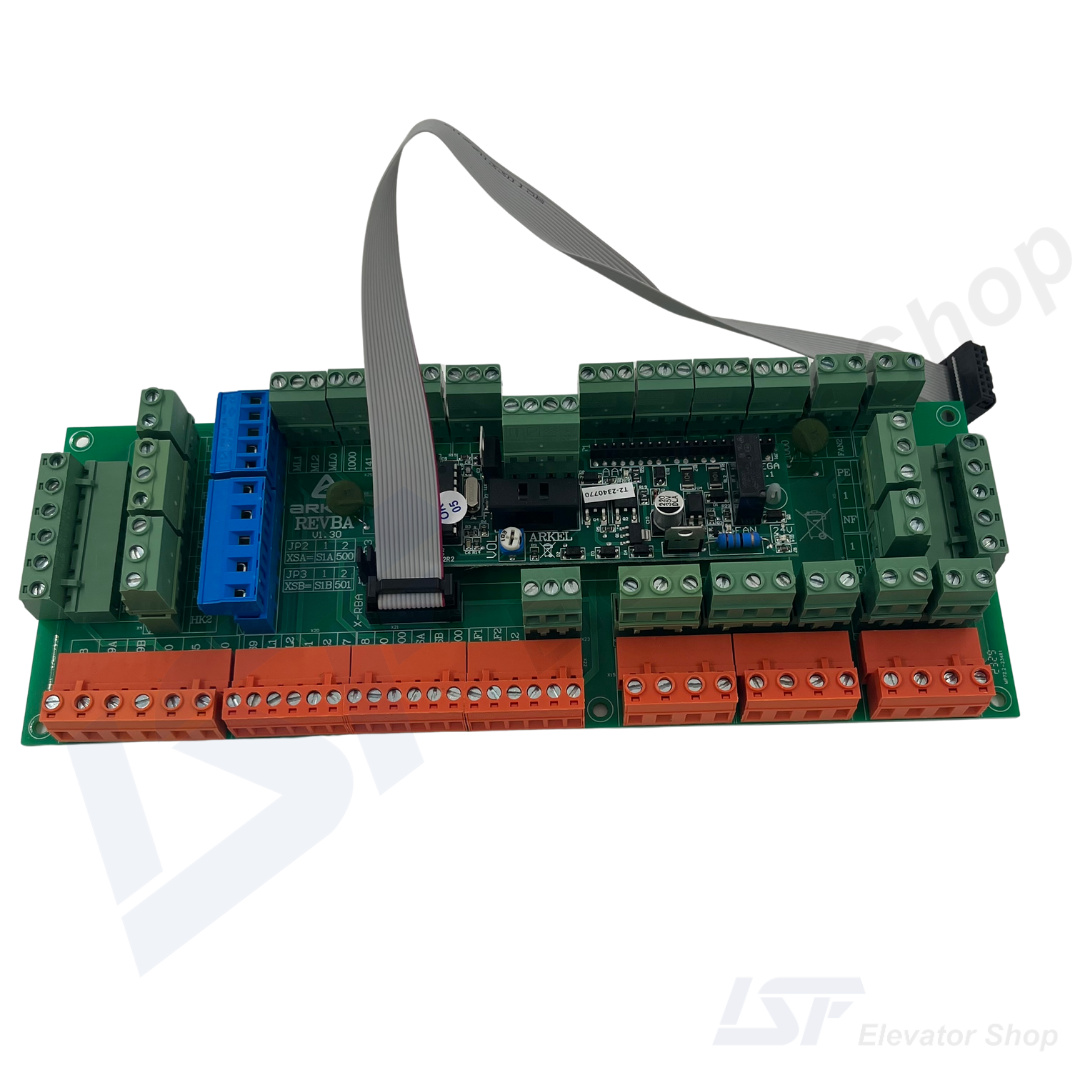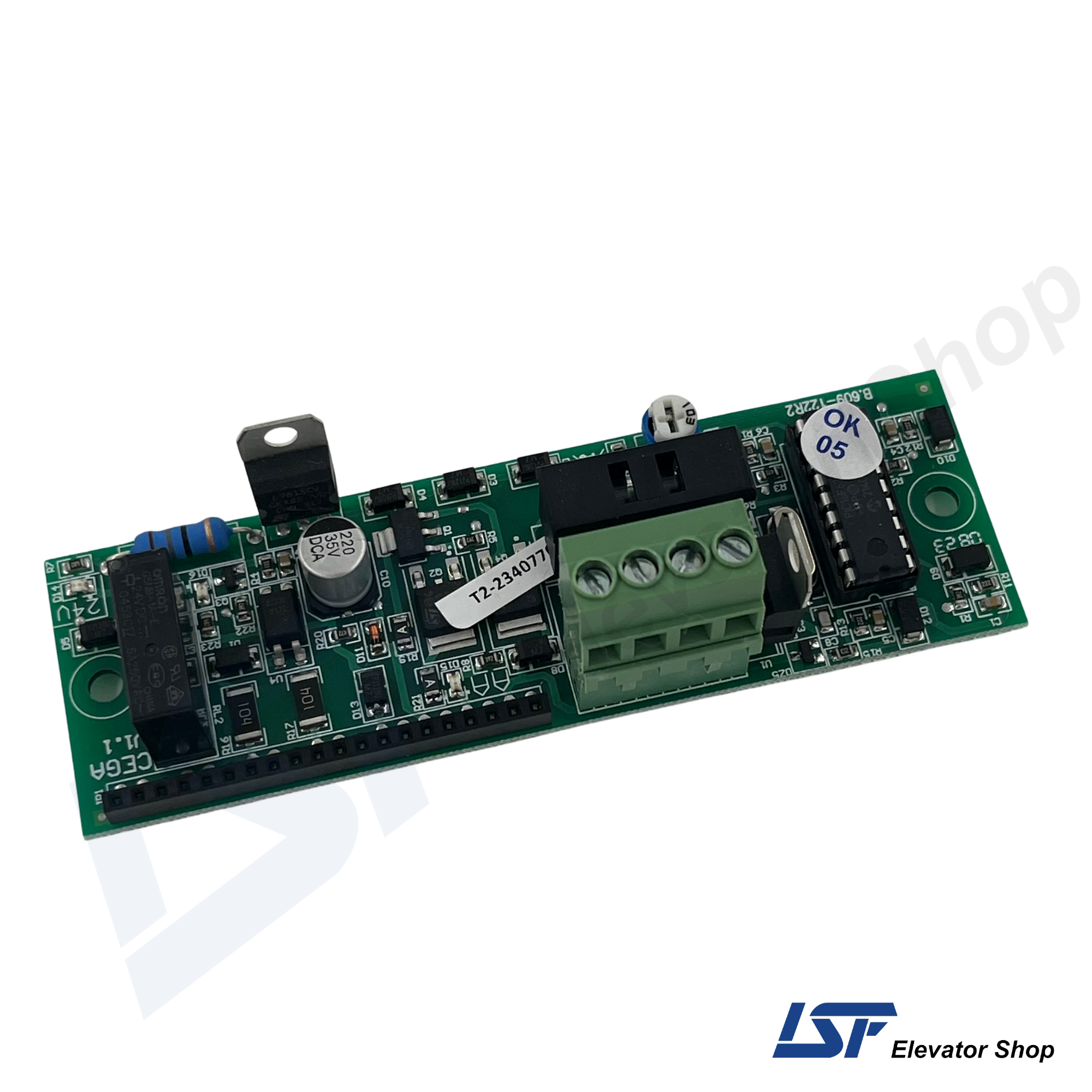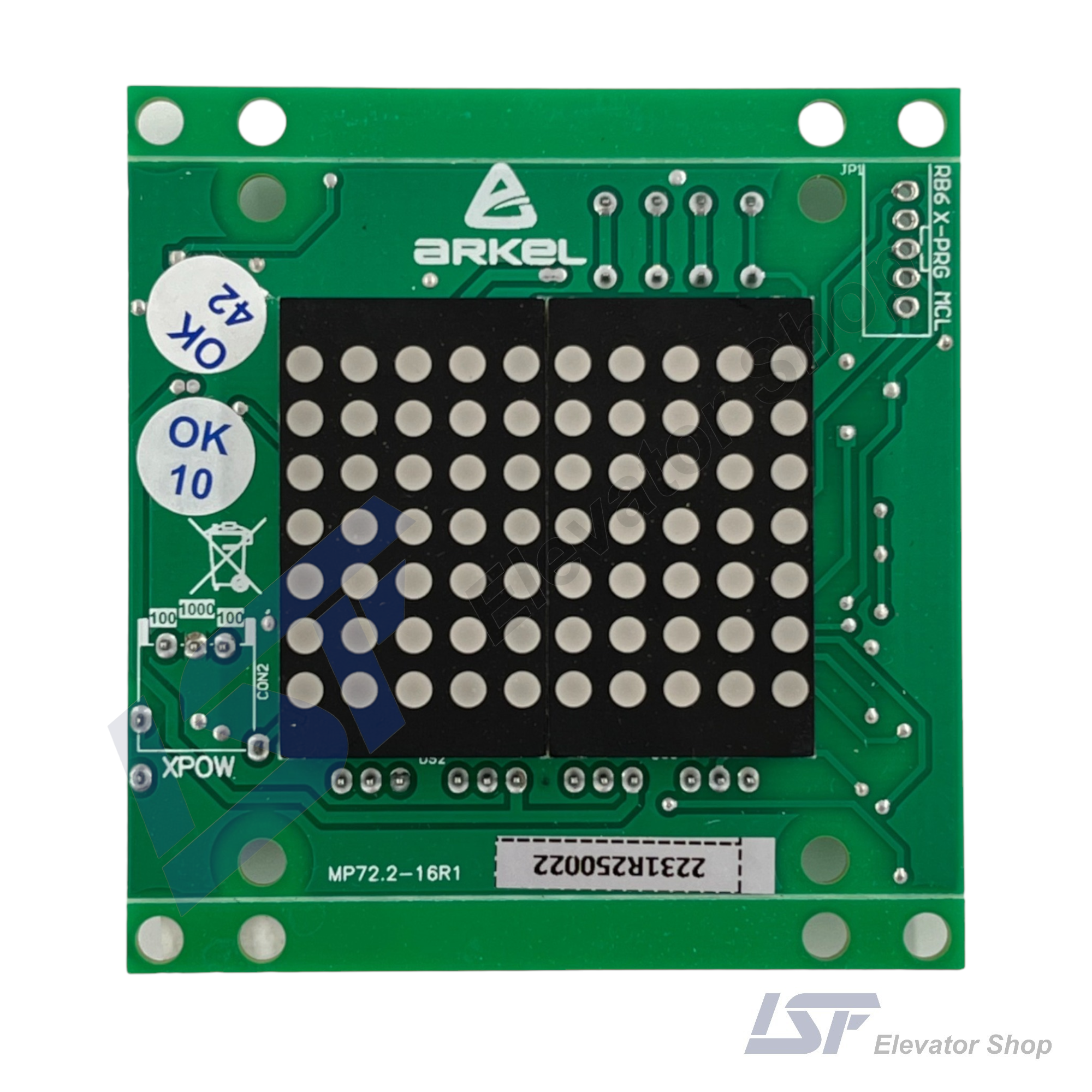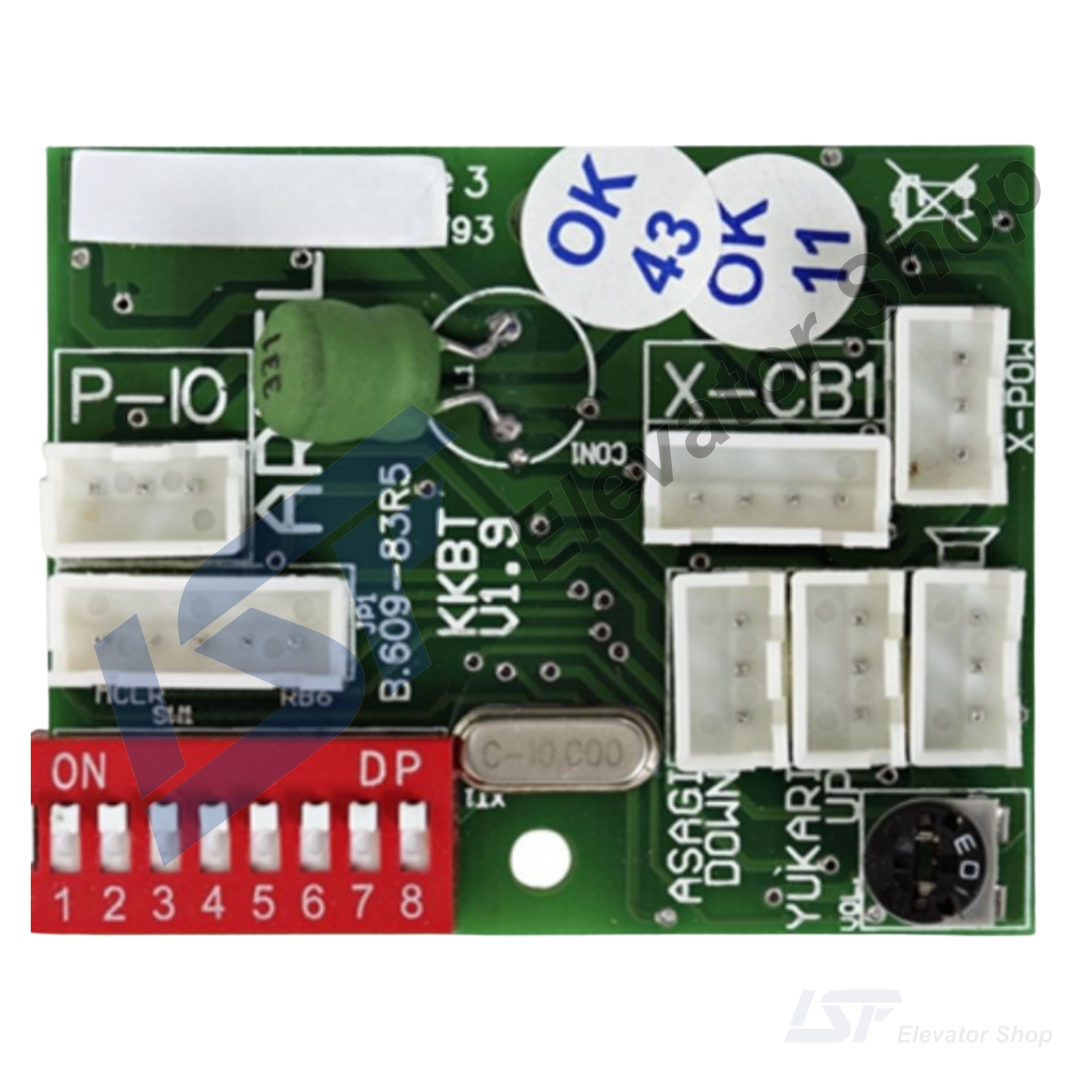

Arkel KM-20 SCR Keypad & Display Module: Advanced Interface for Door Controllers

Same-Day Shipping!

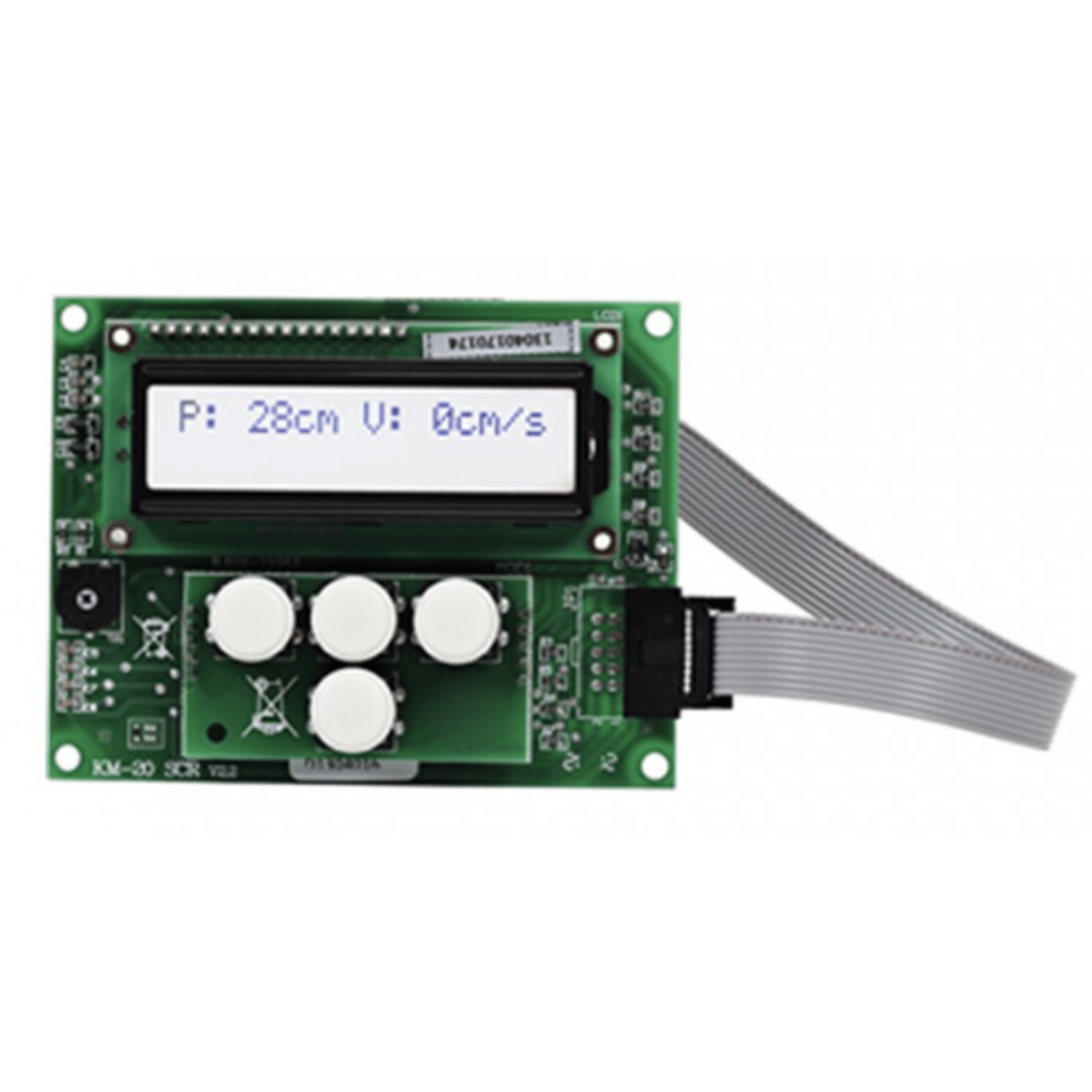
Unlock the full potential of your lift door system with the Arkel KM-20 SCR Keypad. Featuring a clear LCD interface, this module enables advanced parameter settings, detailed error monitoring, and easy commissioning for the KM-20 Door Controller.

  • Enhanced Interface: Features a 2-line 16-character LCD display and a 4-button keypad for intuitive navigation.
  • Advanced Access: Grants access to Basic and Manufacture level parameters that are not accessible via the standard onboard 7-segment display.
  • Detailed Diagnostics: Displays clear status messages (e.g., Door Open, Closing) and detailed error descriptions, simplifying troubleshooting.
  • Real-Time Monitoring: Allows technicians to monitor critical data such as door speed (cm/s), position (cm), and operating voltage in real-time.
  • Easy Connection: Connects directly to the dedicated socket on the KM-20 mainboard via a ribbon cable.
SKU: 1001301 Categories: ,

Guaranteed Safe Checkout

The Arkel KM-20 SCR is an external user interface terminal designed specifically for the KM-20 Automatic Door Controller. While the KM-20 board features a basic onboard interface, the KM-20 SCR Keypad provides a user-friendly 2-line 16-character LCD screen, allowing elevator technicians to access advanced menu levels, perform fine-tuning, and view detailed diagnostic messages easily.

Technical Specifications: KM-20 SCR

Specification Detail
Model KM-20 SCR (Keypad)
Product Code 1001301
Display Type 2-Line 16-Character LCD
Input Method 4-Button Keypad
Compatibility Arkel KM-20 Door Controller
Functionality Parameter Setting & Monitoring
Approximate Price (EUR)

Product Description

The Arkel KM-20 SCR is an essential peripheral for elevator professionals working with the KM-20 Door Controller. While the main controller board includes a limited interface, the KM-20 SCR Keypad is required to unlock the full range of the system’s capabilities. It connects directly to the KM-20 via a dedicated socket, providing an ergonomic interface for installation and maintenance.

Advanced Configuration: Using the KM-20 SCR, technicians can access the Basic and Manufacture menu levels. This allows for the precise adjustment of critical parameters such as opening/closing ramp lengths, specific speed settings for different travel zones, and motor reduction ratios. These settings are crucial for achieving the perfect “S-curve” motion for passenger comfort.

Diagnostics and Monitoring: The module serves as a powerful diagnostic tool. Unlike the cryptic codes on a 7-segment display, the KM-20 SCR provides readable text for status and error messages (e.g., “CLS. OBSTRUCTION”). It also features a Counter Screen to track the total number of door opening/closing cycles, which is vital for predictive maintenance schedules.

Frequently Asked Questions (FAQs)

Q1: Is the KM-20 SCR Keypad required for the standard operation of the door?

No, the KM-20 door controller can operate without the keypad once it is set up. However, the keypad is highly recommended (or required) for initial commissioning, fine-tuning advanced settings, and detailed troubleshooting,.

Q2: What is the difference between the onboard display and the KM-20 SCR Keypad?

The onboard display is a simple 2-digit 7-segment screen that allows access to a Limited set of parameters. The KM-20 SCR features a full LCD screen that provides access to Basic and Manufacture levels, allowing for much more detailed configuration and readable error messages.

Q3: Can I view the door speed and position with this unit?

Yes. The main monitoring screen on the KM-20 SCR displays real-time data, including the door’s current position (in cm), the door’s speed (in cm/s), and the current operating status (e.g., Opening, Closed).

Q4: How do I enter the advanced “Manufacture” menu using this keypad?

To access the Manufacture level parameters, you generally need to de-energize the KM-20, then re-energize it while pressing and holding the UP and DOWN buttons on the keypad together. This unlocks parameters like Gear Ratio and Encoder Pulse settings.

Reviews

There are no reviews yet.

Be the first to review “Arkel KM-20 SCR Keypad & Display Module: Advanced Interface for Door Controllers”

Your email address will not be published. Required fields are marked *

You have to be logged in to be able to add photos to your review.